LightBurn Software Core /Gcode License Key
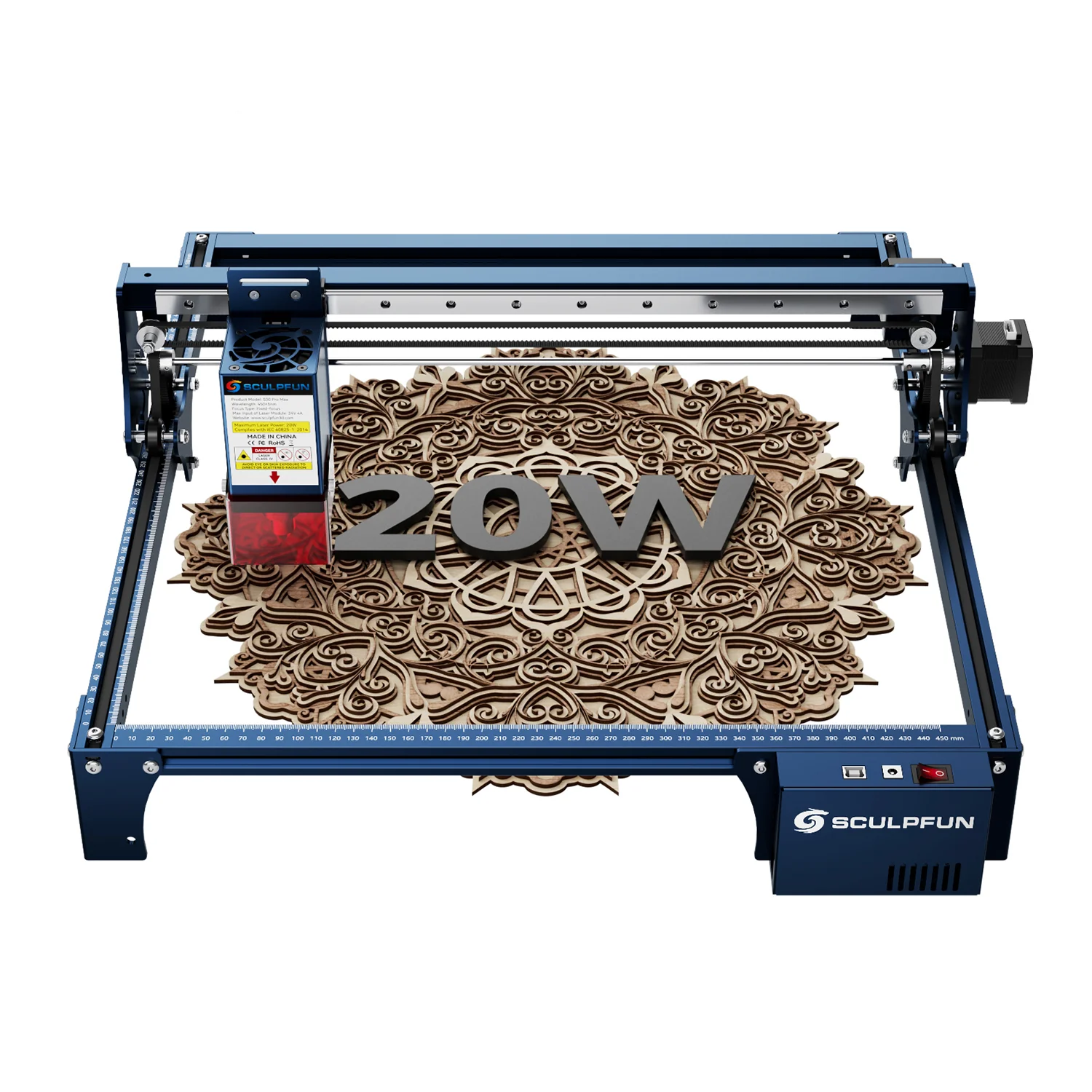
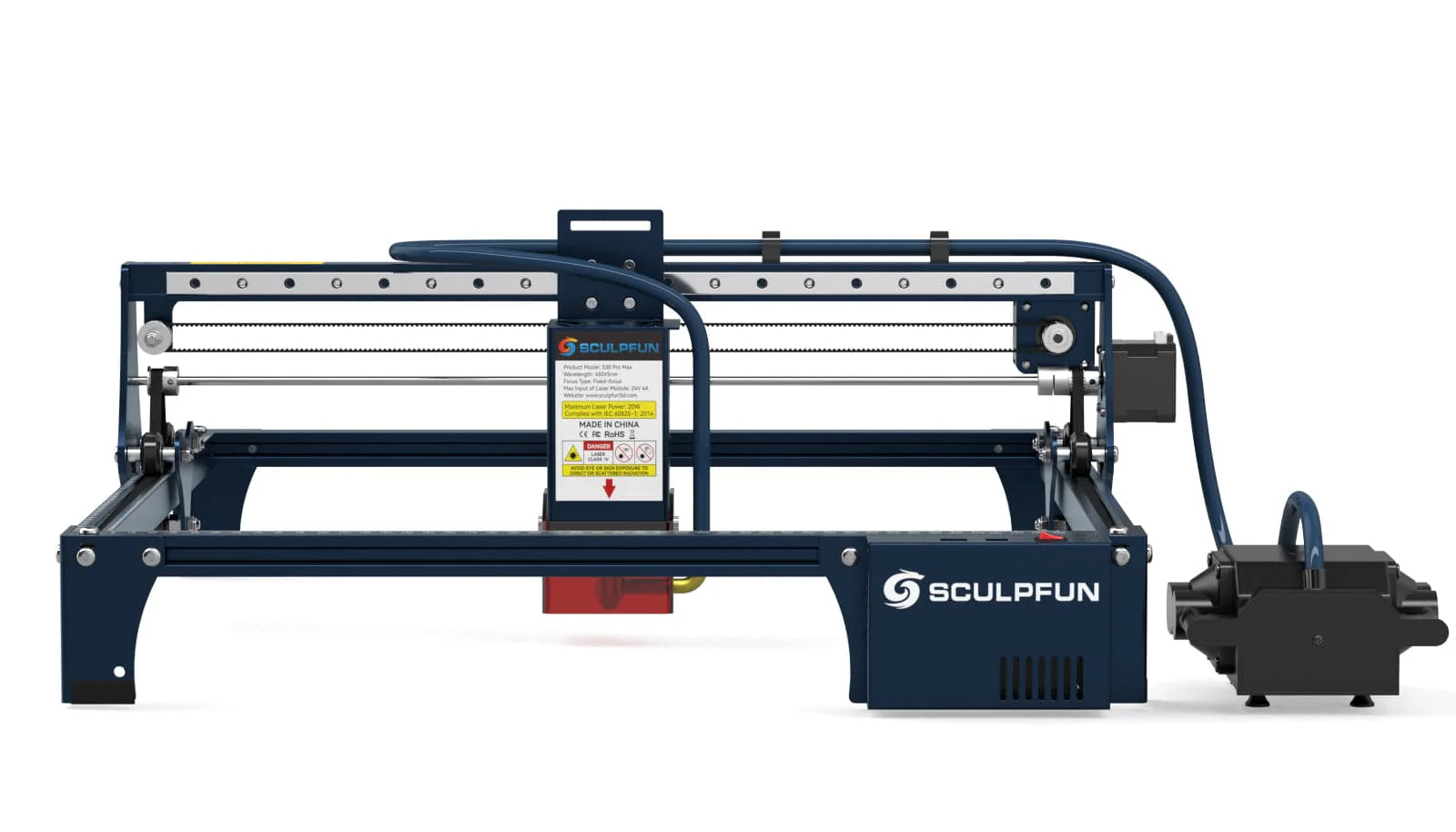
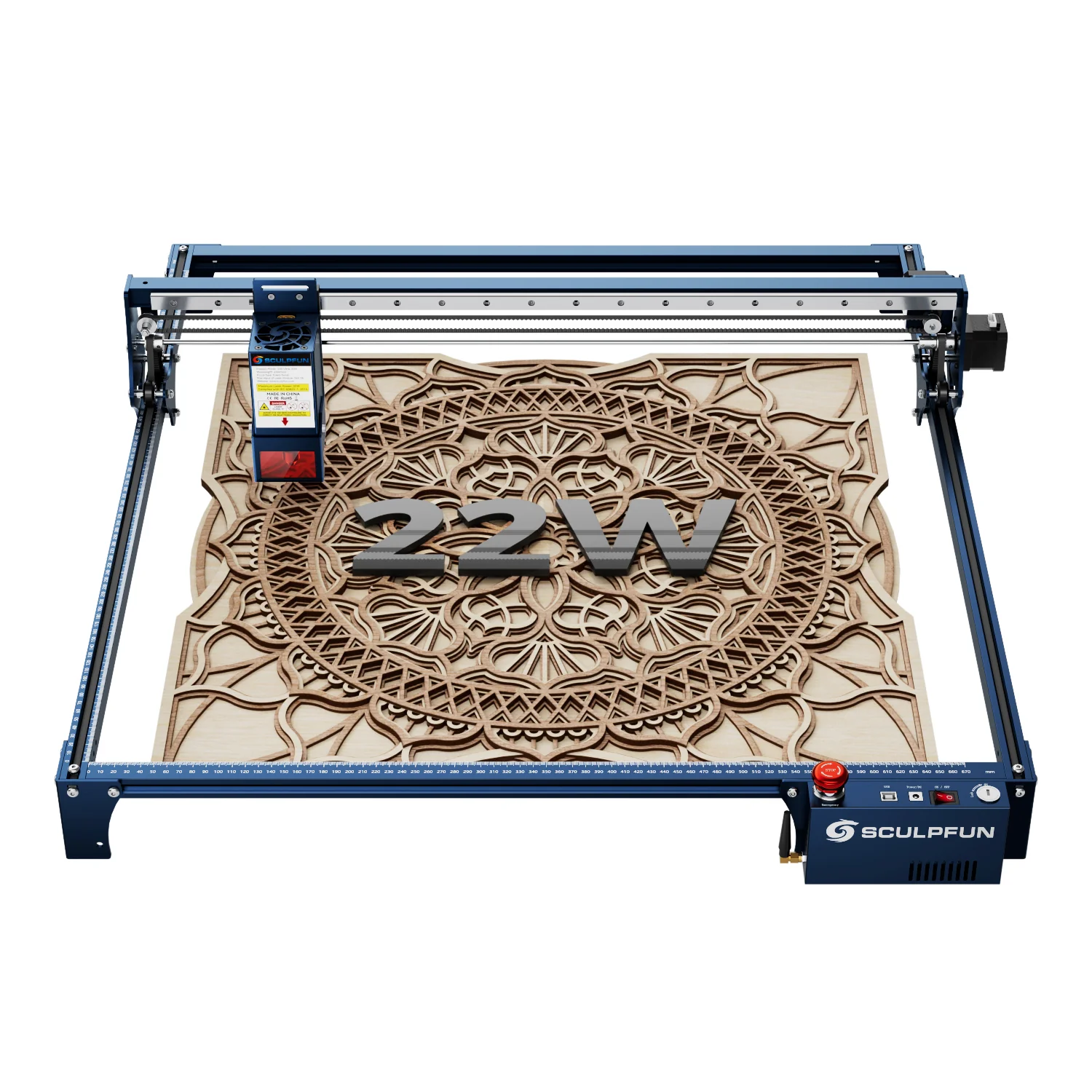
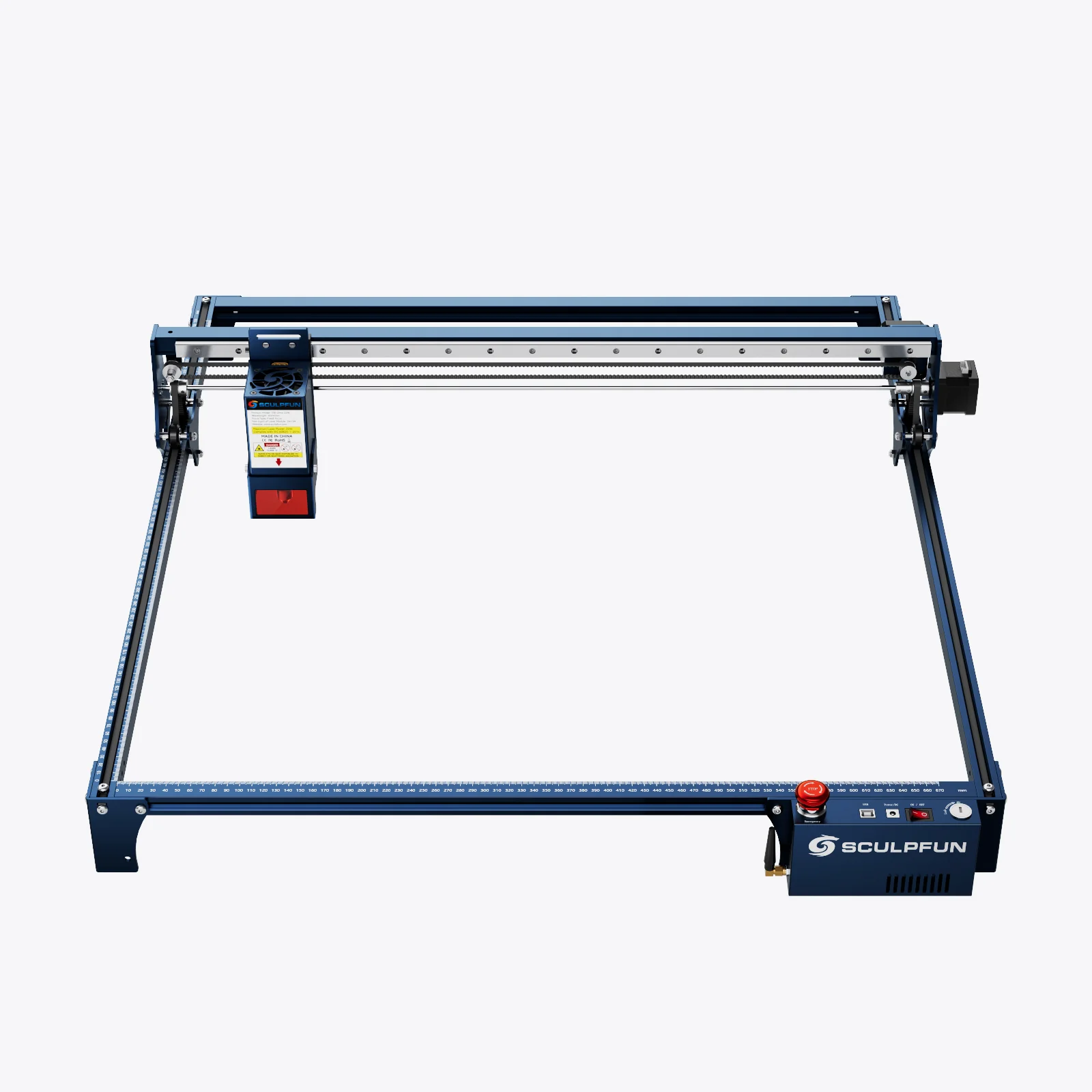
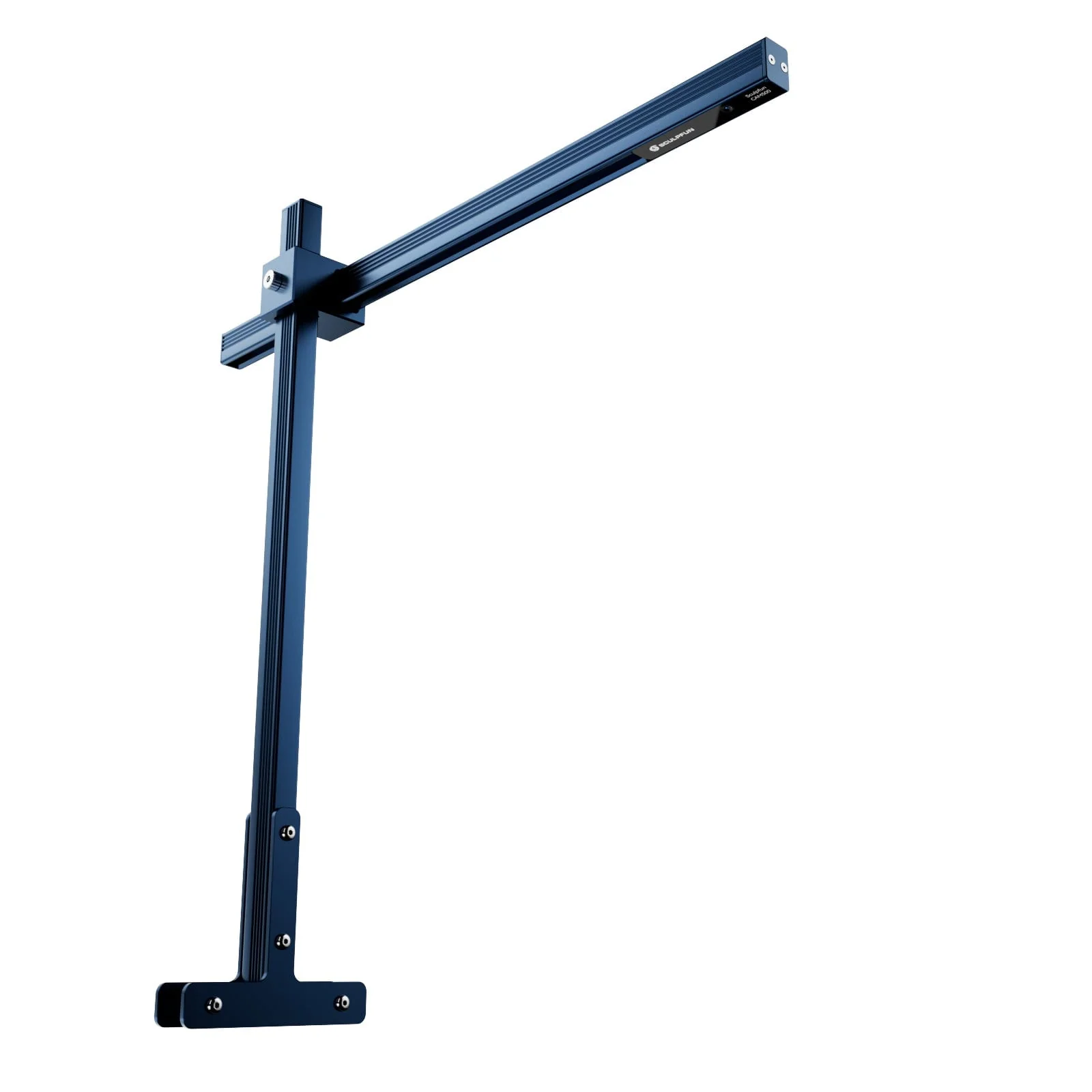
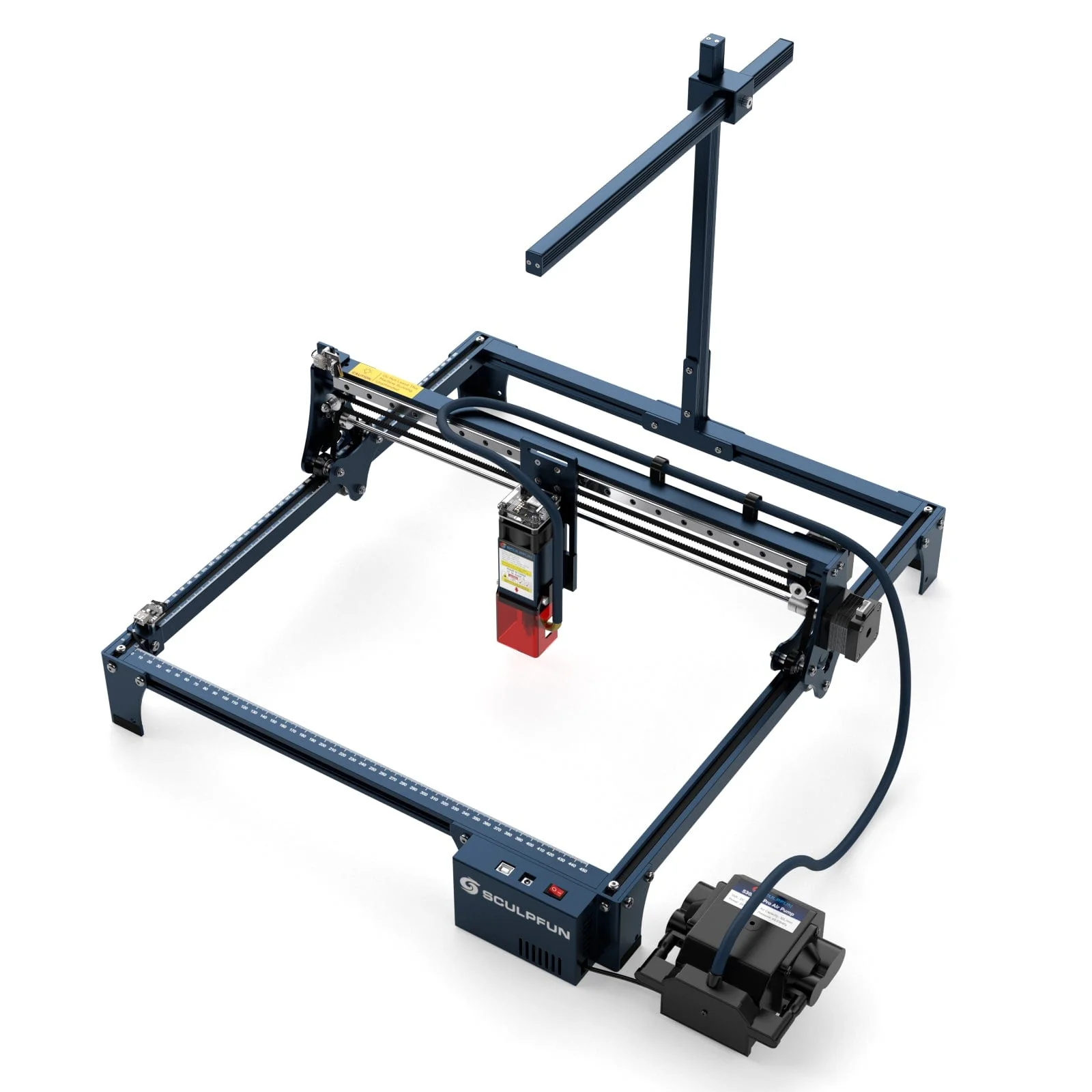
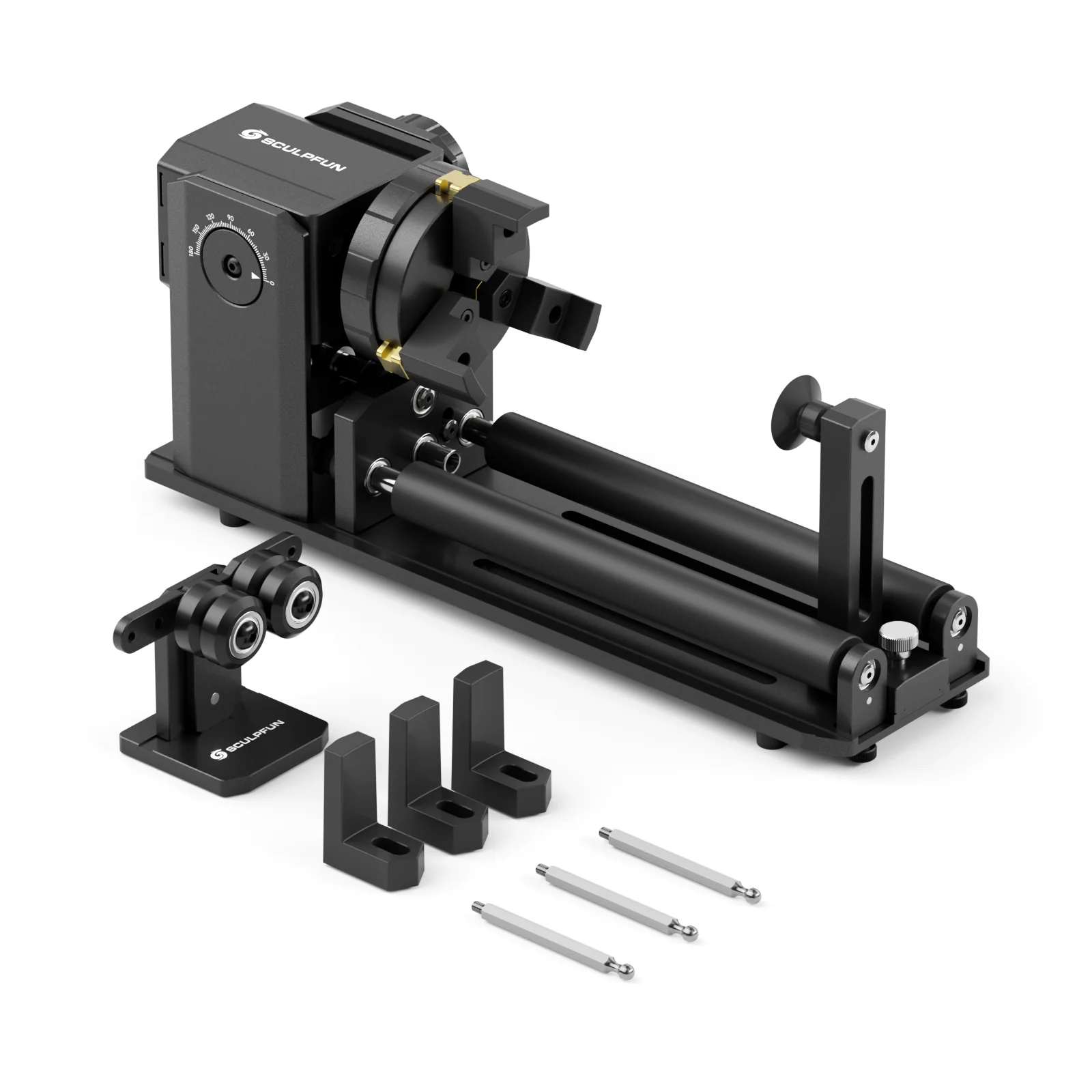
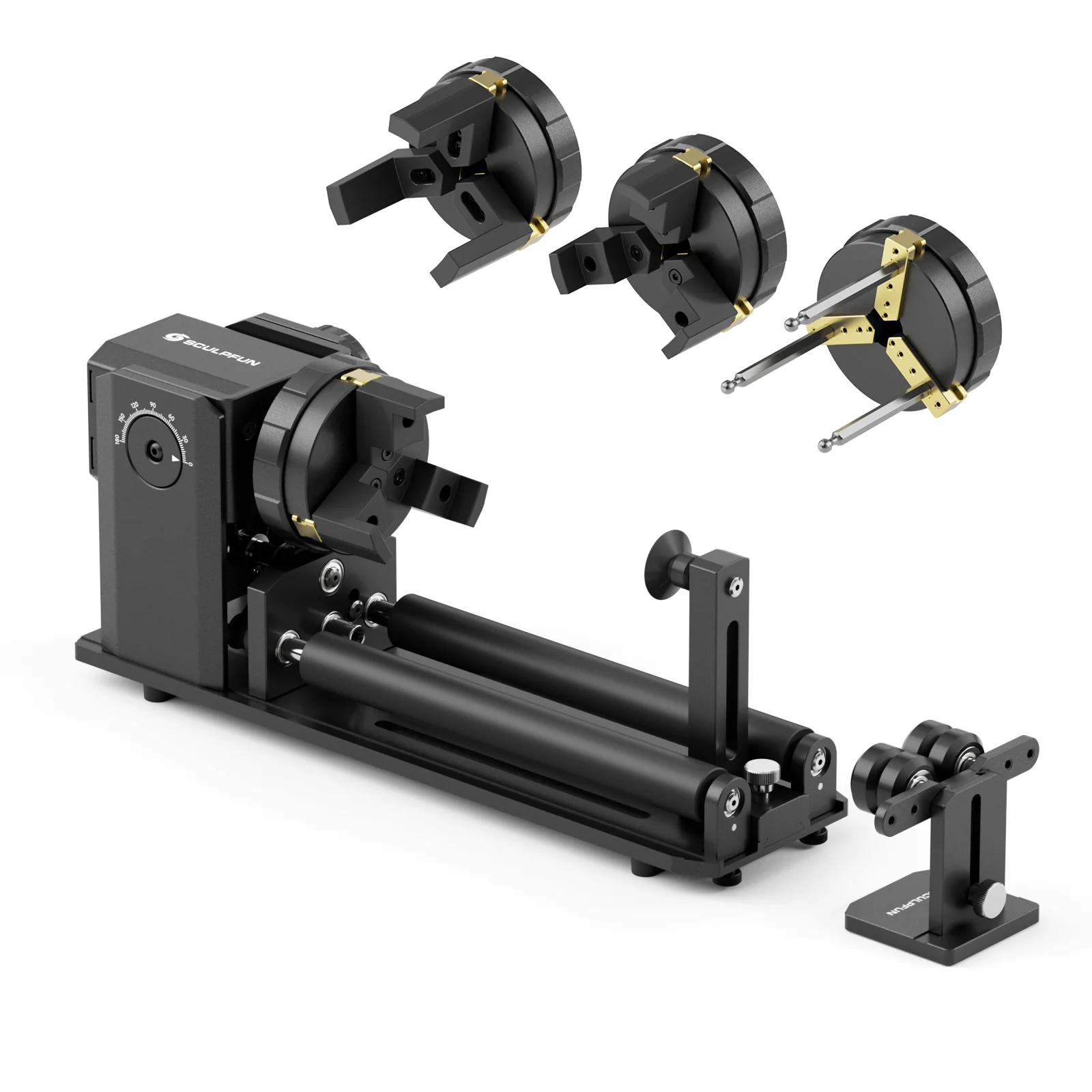
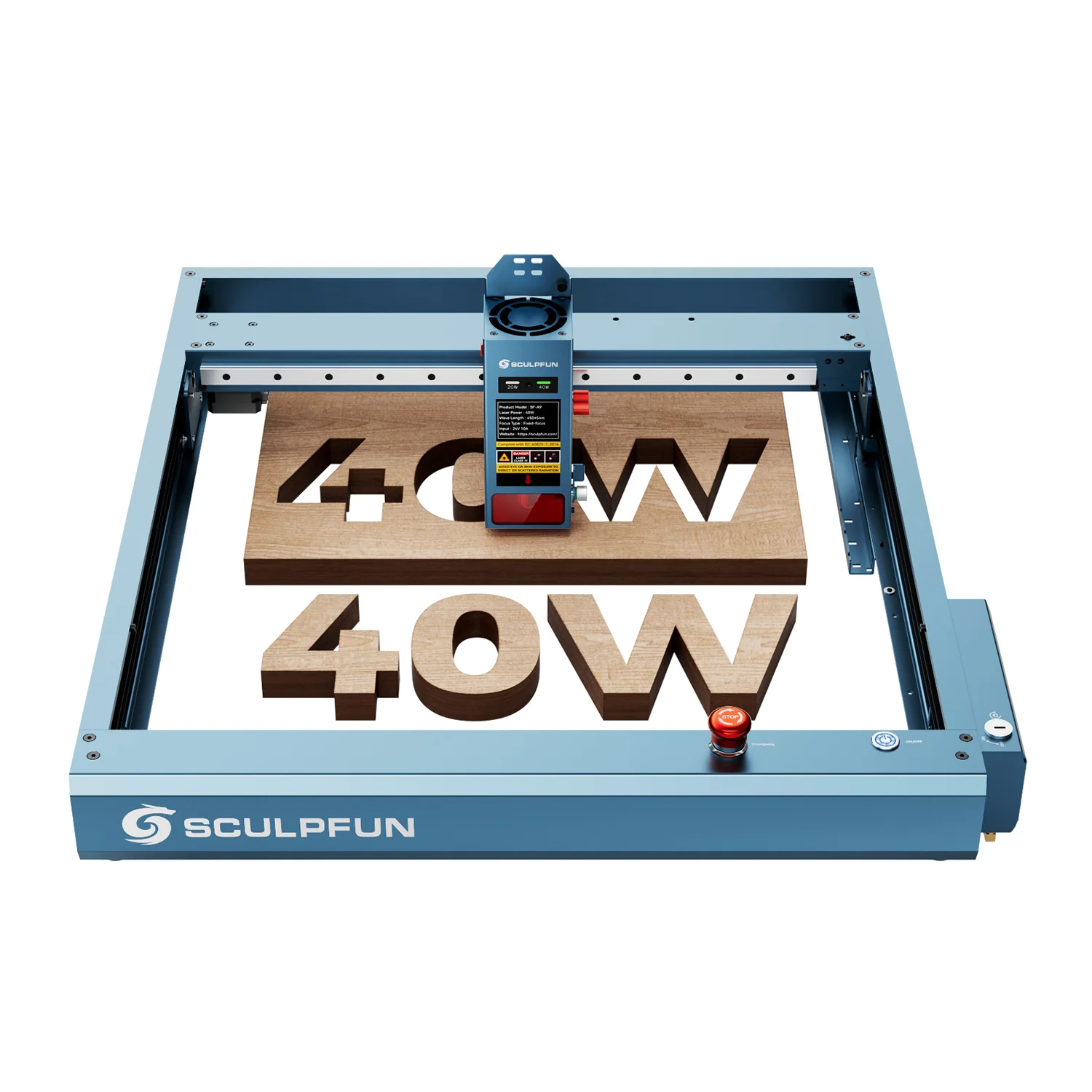
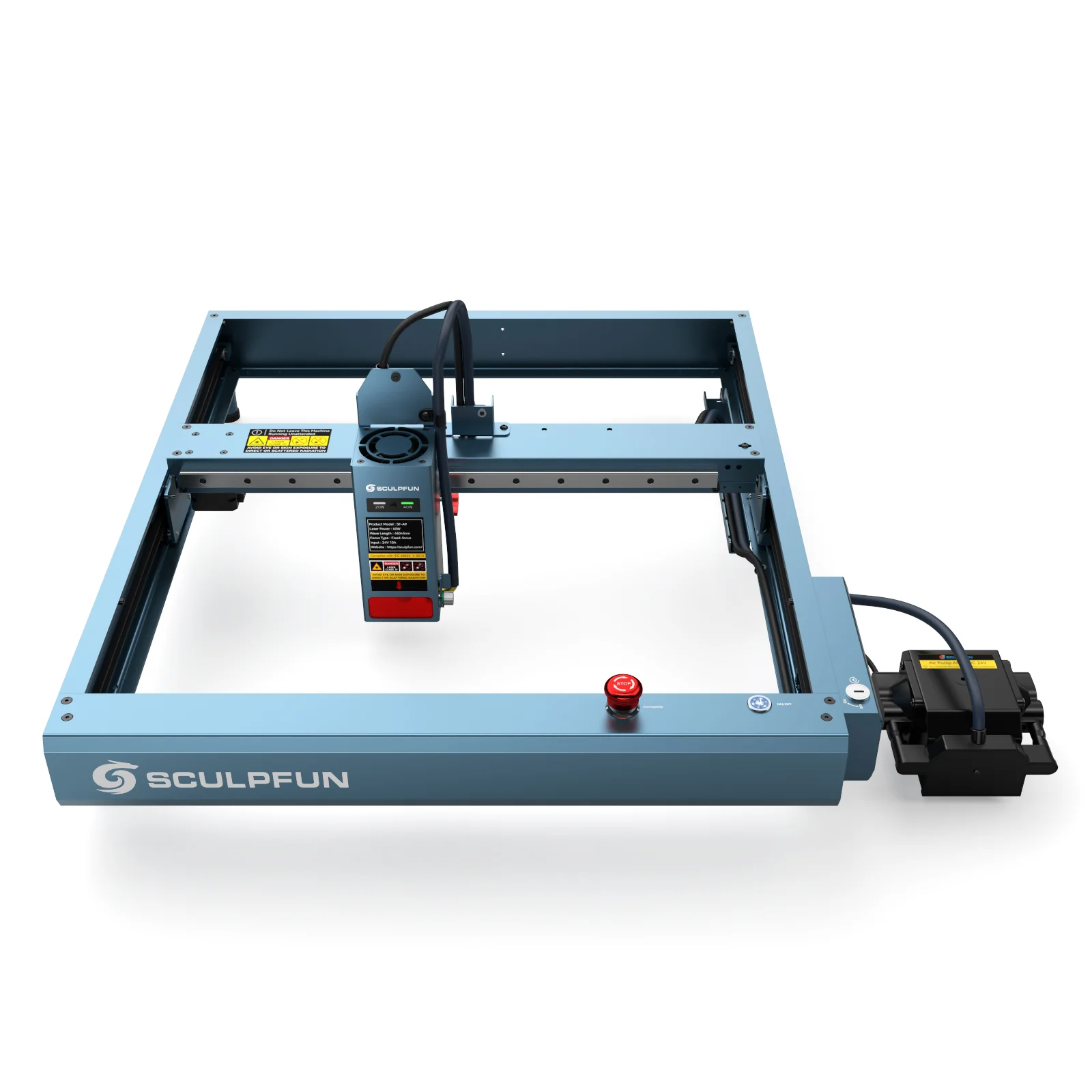
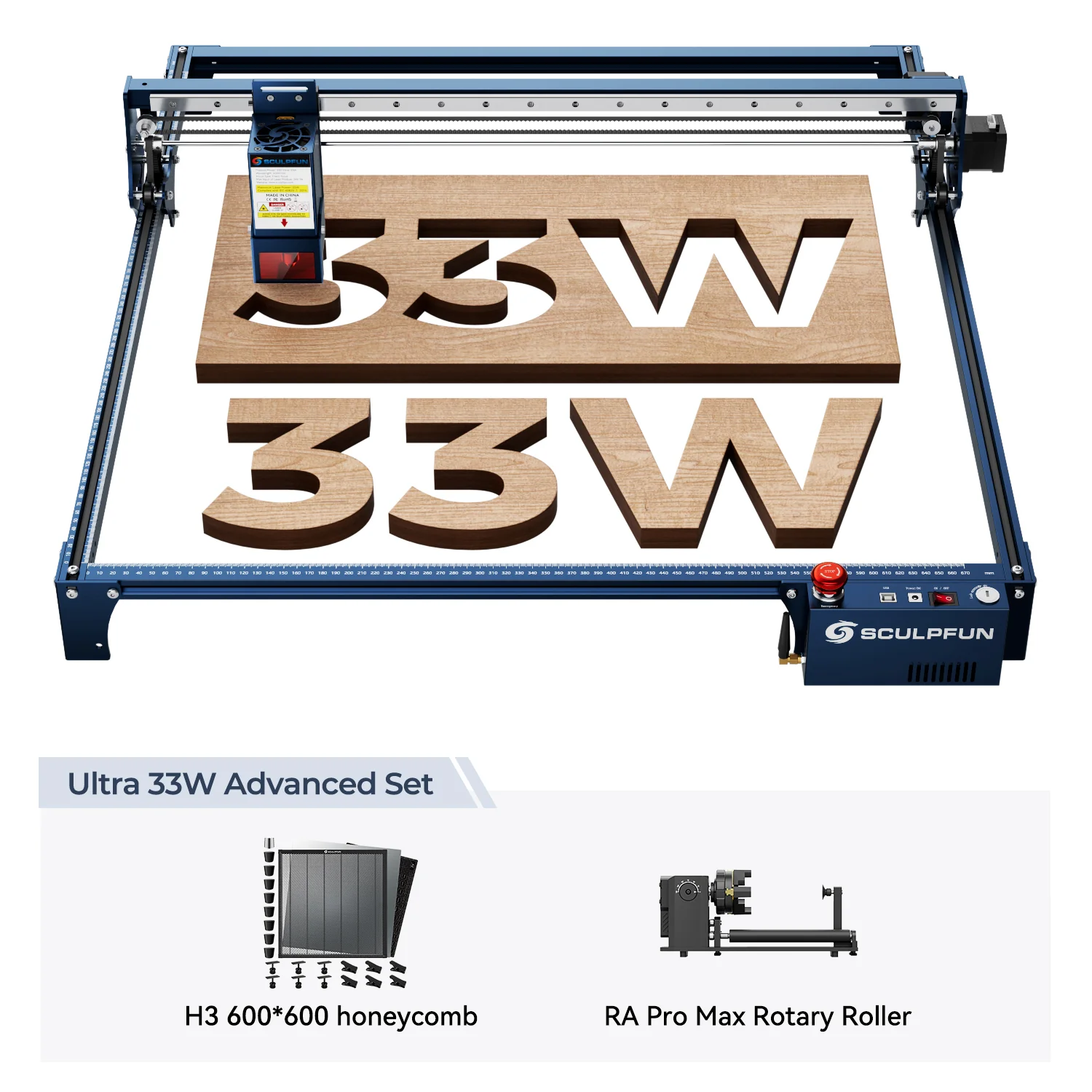
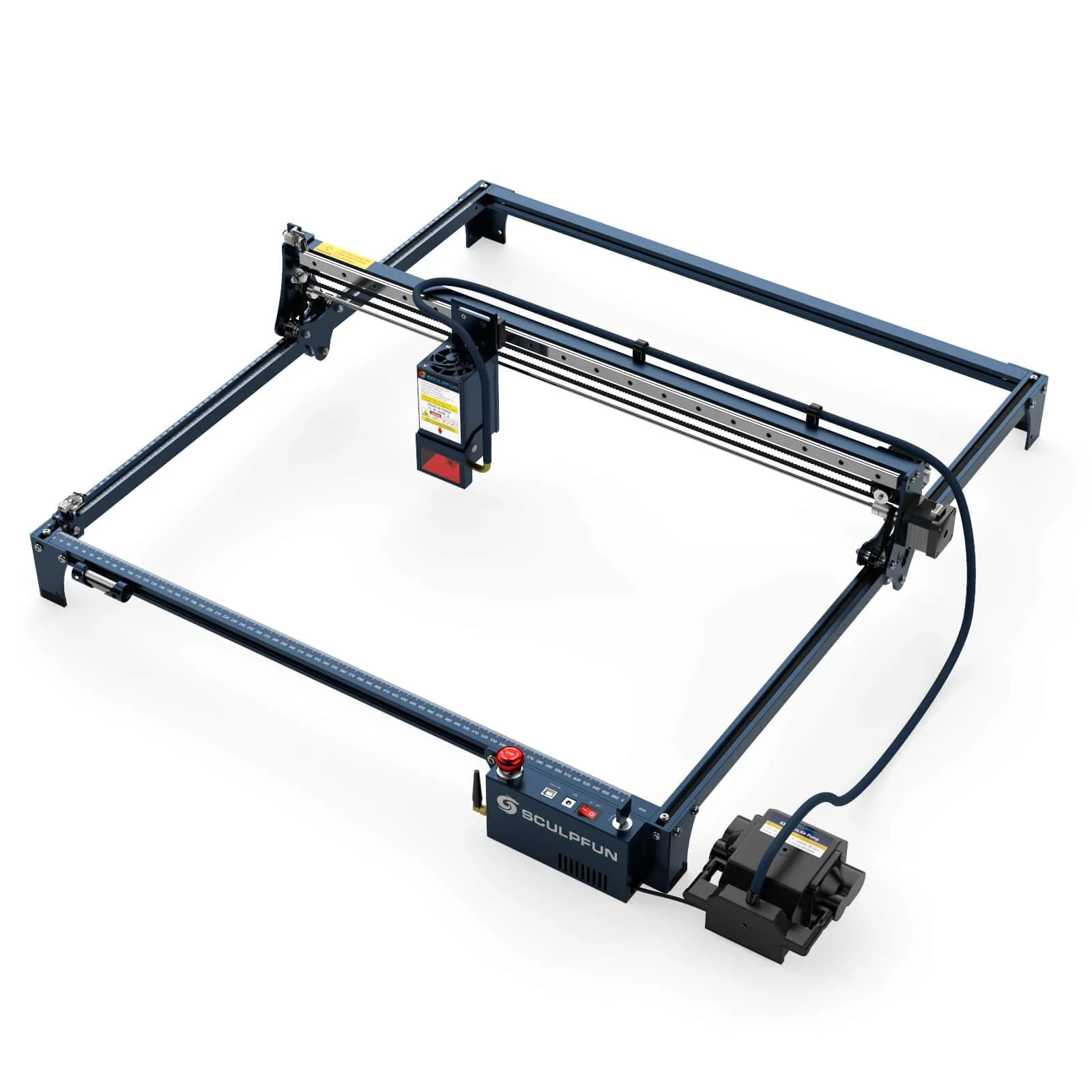
We are not allowed to sell Lightburn Core code License Key separately now. If you want to buy the Key, you can contact us or find those machines links with lightburn Key in the title.
or Click there to know all.
The code will be sent to your email within 24 hours after your order is placed.
Please keep your license in a safe place. You will need it again if you ever have a hard disk failure, want to activate a new computer, upgrade the license, etc.
This is a LightBurn software Core/Gcode license key for users with GCode controllers (DIY / hobby). It unlocks the trial version of the software for permanent use, and allows installing on up to three computers, PC or Mac.
LightBurn Core supports Cohesion3D, Smoothieware, Grbl, Marlin, and Grbl-LPC based controllers. (Note, if you have an Emblaser from Darkly Labs, please purchase your LightBurn license directly from them)
Use the complete set of artistic tools to draw, arrange and edit shapes and create beautiful designs for stunning engravings. No need to jump back and forth into other programs; Finish your work with LightBurn to create engravable graphics. It communicates directly with your laser without any additional software
Import artwork in a variety of common vector graphic and image formats (including AI, PDF, SVG, DXF, PLT, PNG, JPG, GIF, and BMP)
Arrange, edit, and even create new vector shapes within the editor, with powerful features like offsetting, boolean operations, welding, and node editing
Apply settings like power, speed, number of passes, cut order, brightness & contrast, dithering mode, and much more
Send the result directly to your laser cutter.LightBurn is a native application written for Windows, Mac OS, and Linux.
Tips.
1. Includes software updates for one year.
2. You pay once, and the software will work forever as long as you have your license key.
Try it out for free
Download LightBurn for Windows 64-bit (1.7.01)
Alternative Downloads:
- MacOS (v1.7.01)
- Linux (AppImage) (v1.7.01)
- Linux (.run) (v1.7.01)
- Linux (.7z) (v1.7.01)
View our "Getting Started" guide
If you're new to LightBurn, the information here will help you learn to use LightBurn and your laser.
- Identify Your Laser
- Install LightBurn
- Add a Laser
- First Project
- Next Steps
Learn how to Activate your License Key
Q&A about Lightburn License
1. Is it a subscription?
- No. You pay once, the software will work forever as long as you have your valid license key.
2. How many computers can I use it on?
- The license lets you use the software on up to two computers at once, they don't have to use the same operating system, and a license can be easily moved if you get a new computer. If you need to use 3 computers, we'll happily update your license to allow it, for free - just email [email protected] with your license key and ask for a 3rd seat. If you need more seats, or a floating license setup, we can do that too - contact us for pricing and details.
3. Does the license expire?
- The license key has an expiry date - a year from when you first activate it. When it expires, it's still valid, you just don't get updates any more. If you download a version of the software released after your license expires, it won't work, but any version released before the key expired will continue to work.
Please note that the two computer limit doesn't mean you can only install the software twice - the license system in LightBurn keeps track of which computers you have the key installed on. If you get a new computer and want to move the license to it, just deactivate the old computer first. In LightBurn, go to Help > License Management, and click the Deactivate button. That will remove the old computer from your license, and then you can install the license on the new machine. If you ever have a hard disk fail, or sell a computer, we can remove the computer from the license for you, as long as we have your license key.
License Management:
If you would like to transfer LightBurn to a new computer, and still have access to the old computer, you can deactivate it using these instructions: https://lightburnsoftware.com/pages/moving-your-license-to-a-new-computer
If you don't have access to the computer, we have a customer-facing license portal that anyone can use to manage license activations. There are instructions for getting access here: https://lightburnsoftware.com/pages/manage-your-license-activations-with-the-license-portal
Original: $99.00
-65%$99.00
$34.65Product Information
Product Information
Shipping & Returns
Shipping & Returns
Description
We are not allowed to sell Lightburn Core code License Key separately now. If you want to buy the Key, you can contact us or find those machines links with lightburn Key in the title.
or Click there to know all.
The code will be sent to your email within 24 hours after your order is placed.
Please keep your license in a safe place. You will need it again if you ever have a hard disk failure, want to activate a new computer, upgrade the license, etc.
This is a LightBurn software Core/Gcode license key for users with GCode controllers (DIY / hobby). It unlocks the trial version of the software for permanent use, and allows installing on up to three computers, PC or Mac.
LightBurn Core supports Cohesion3D, Smoothieware, Grbl, Marlin, and Grbl-LPC based controllers. (Note, if you have an Emblaser from Darkly Labs, please purchase your LightBurn license directly from them)
Use the complete set of artistic tools to draw, arrange and edit shapes and create beautiful designs for stunning engravings. No need to jump back and forth into other programs; Finish your work with LightBurn to create engravable graphics. It communicates directly with your laser without any additional software
Import artwork in a variety of common vector graphic and image formats (including AI, PDF, SVG, DXF, PLT, PNG, JPG, GIF, and BMP)
Arrange, edit, and even create new vector shapes within the editor, with powerful features like offsetting, boolean operations, welding, and node editing
Apply settings like power, speed, number of passes, cut order, brightness & contrast, dithering mode, and much more
Send the result directly to your laser cutter.LightBurn is a native application written for Windows, Mac OS, and Linux.
Tips.
1. Includes software updates for one year.
2. You pay once, and the software will work forever as long as you have your license key.
Try it out for free
Download LightBurn for Windows 64-bit (1.7.01)
Alternative Downloads:
- MacOS (v1.7.01)
- Linux (AppImage) (v1.7.01)
- Linux (.run) (v1.7.01)
- Linux (.7z) (v1.7.01)
View our "Getting Started" guide
If you're new to LightBurn, the information here will help you learn to use LightBurn and your laser.
- Identify Your Laser
- Install LightBurn
- Add a Laser
- First Project
- Next Steps
Learn how to Activate your License Key
Q&A about Lightburn License
1. Is it a subscription?
- No. You pay once, the software will work forever as long as you have your valid license key.
2. How many computers can I use it on?
- The license lets you use the software on up to two computers at once, they don't have to use the same operating system, and a license can be easily moved if you get a new computer. If you need to use 3 computers, we'll happily update your license to allow it, for free - just email [email protected] with your license key and ask for a 3rd seat. If you need more seats, or a floating license setup, we can do that too - contact us for pricing and details.
3. Does the license expire?
- The license key has an expiry date - a year from when you first activate it. When it expires, it's still valid, you just don't get updates any more. If you download a version of the software released after your license expires, it won't work, but any version released before the key expired will continue to work.
Please note that the two computer limit doesn't mean you can only install the software twice - the license system in LightBurn keeps track of which computers you have the key installed on. If you get a new computer and want to move the license to it, just deactivate the old computer first. In LightBurn, go to Help > License Management, and click the Deactivate button. That will remove the old computer from your license, and then you can install the license on the new machine. If you ever have a hard disk fail, or sell a computer, we can remove the computer from the license for you, as long as we have your license key.
License Management:
If you would like to transfer LightBurn to a new computer, and still have access to the old computer, you can deactivate it using these instructions: https://lightburnsoftware.com/pages/moving-your-license-to-a-new-computer
If you don't have access to the computer, we have a customer-facing license portal that anyone can use to manage license activations. There are instructions for getting access here: https://lightburnsoftware.com/pages/manage-your-license-activations-with-the-license-portal